


Description
Download Cobian Reflector – file backup, Windows, secure backup, data protection, automatic backup, backup software, free backup tool, file recovery, data safety, backup utility
Overview
Cobian Reflector is the official successor to the long-standing Cobian Backup, a trusted name in file backup solutions for Windows users. Designed to address the growing need for reliable, flexible, and secure data protection, the app offers a robust platform for safeguarding critical files and directories. Its primary purpose is to enable users to create consistent, automated backups across multiple storage destinations, ensuring that important data remains protected against accidental deletion, hardware failure, or system crashes.
The app targets a wide range of users, including individuals managing personal documents, small business owners handling client data, and technical users seeking a lightweight, no-cost backup solution. While the developer, Cobian Software, is not further detailed in available information, the app’s lineage suggests a focus on stability, performance, and user-centric design. Real-world use cases include backing up financial records, photos, project files, and system configurations, particularly in environments where cloud or external storage integration is essential.
Within the broader productivity and data safety ecosystem, Cobian Reflector fills a niche for users who prioritize control, simplicity, and cost-effectiveness. By offering both local and remote backup capabilities without subscription fees, it stands as a valuable utility for those seeking a dependable alternative to commercial backup tools.
Key Features & Functionality
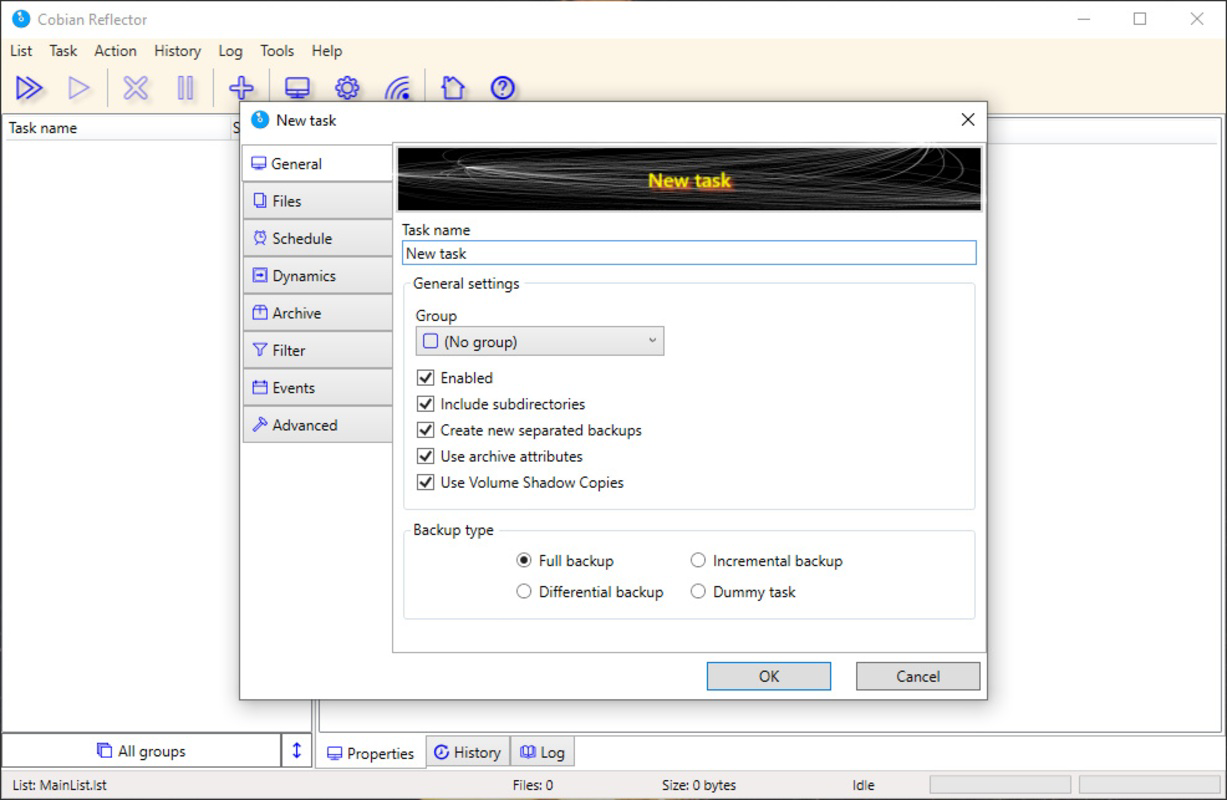
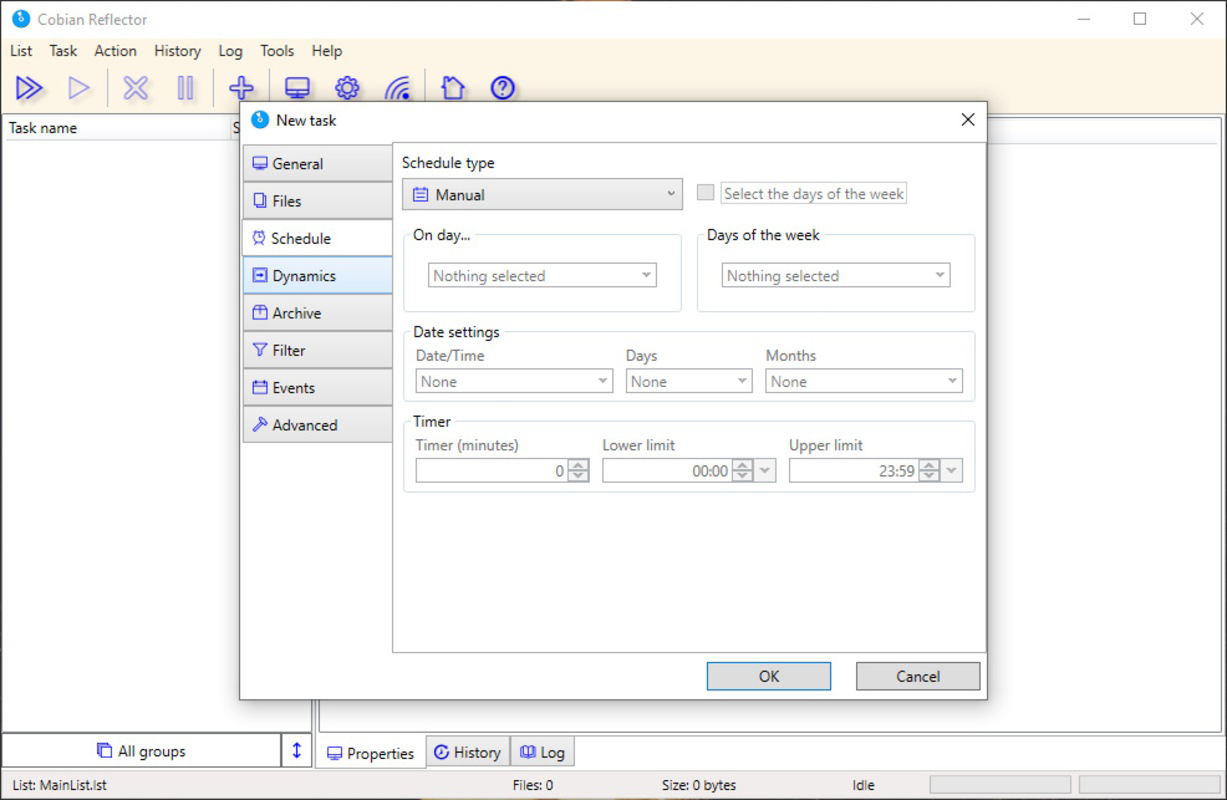
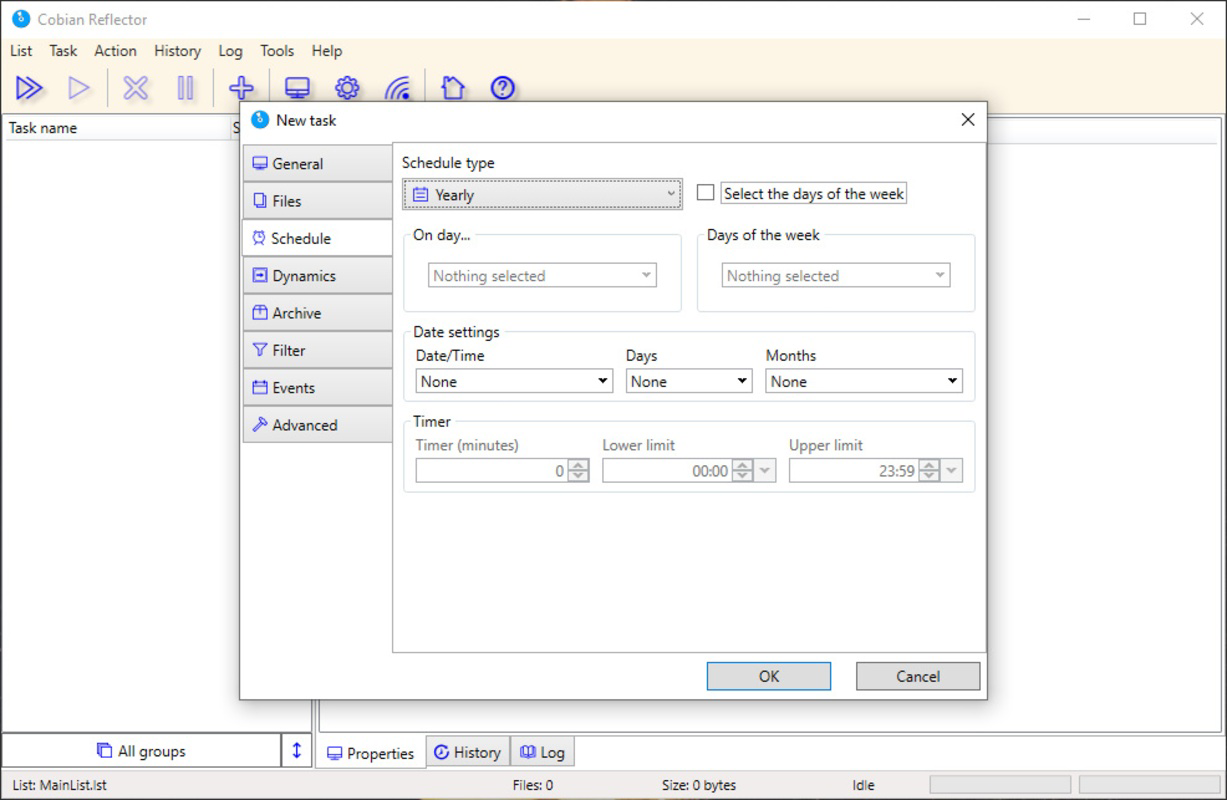
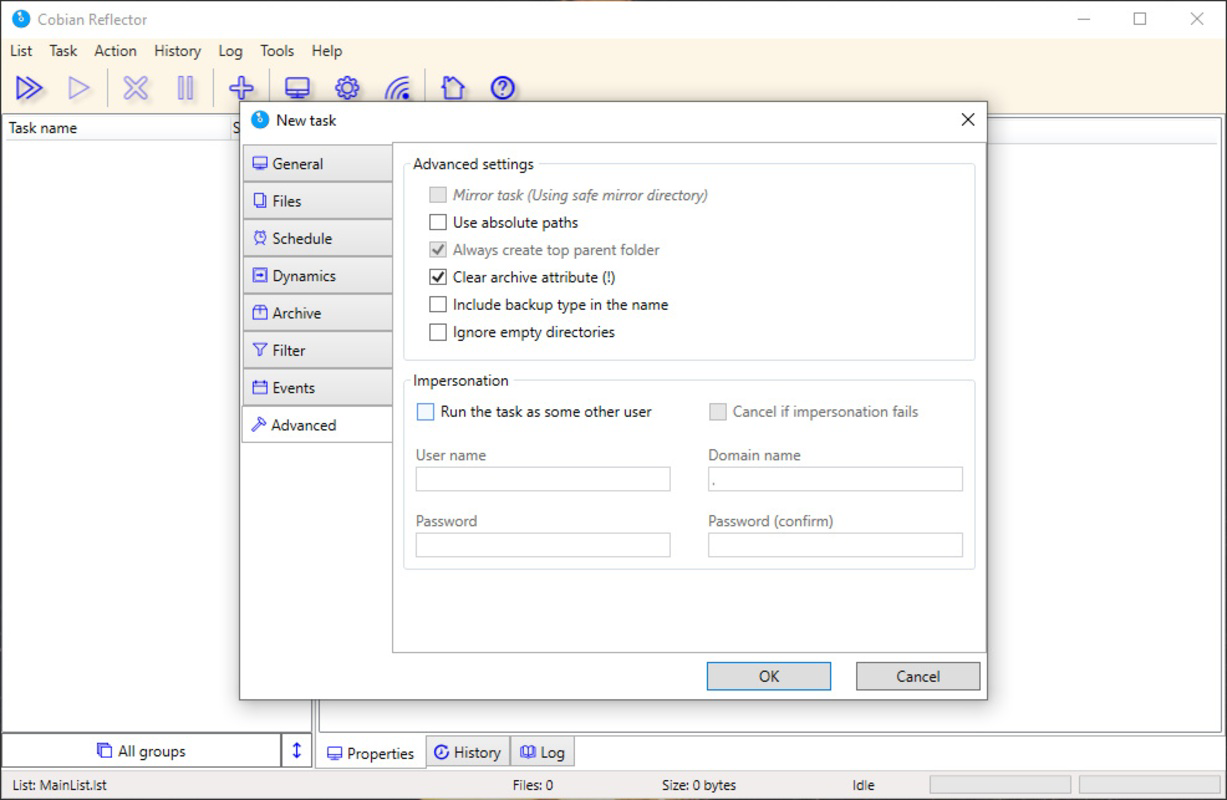
- Flexible Backup Options: Users can manually select specific files or entire directories for backup, with the ability to schedule automatic or periodic backups. This level of control allows users to tailor their backup strategy to their data usage patterns.
- Multiple Backup Destinations: The app supports backing up data to external hard drives, network locations, and remote servers via FTP or SFTP protocols. This flexibility enables secure cloud-like storage without relying on third-party services.
- Fast Backup Performance: Optimized for efficiency, Cobian Reflector delivers rapid backup execution, even on older or low-resource systems. Each backup is timestamped, allowing users to track and restore data from specific points in time.
- Integrated Tools: A built-in notepad, secure file deletion tool, and system information viewer are accessible through the tools tab. These utilities enhance the app’s functionality, offering quick access to supplementary tasks without requiring additional software.
- Completely Free: The software is available at no cost, with no trial limitations or hidden fees. This makes it accessible to users across all economic backgrounds while maintaining full functionality.
For example, a freelance photographer could use Cobian Reflector to automatically back up their latest photo shoots to an external drive every night, while also uploading a copy to an SFTP server for offsite protection. Similarly, a small office manager might schedule weekly backups of shared project folders to a network drive, ensuring data continuity across team members.
Interface, UX & Performance
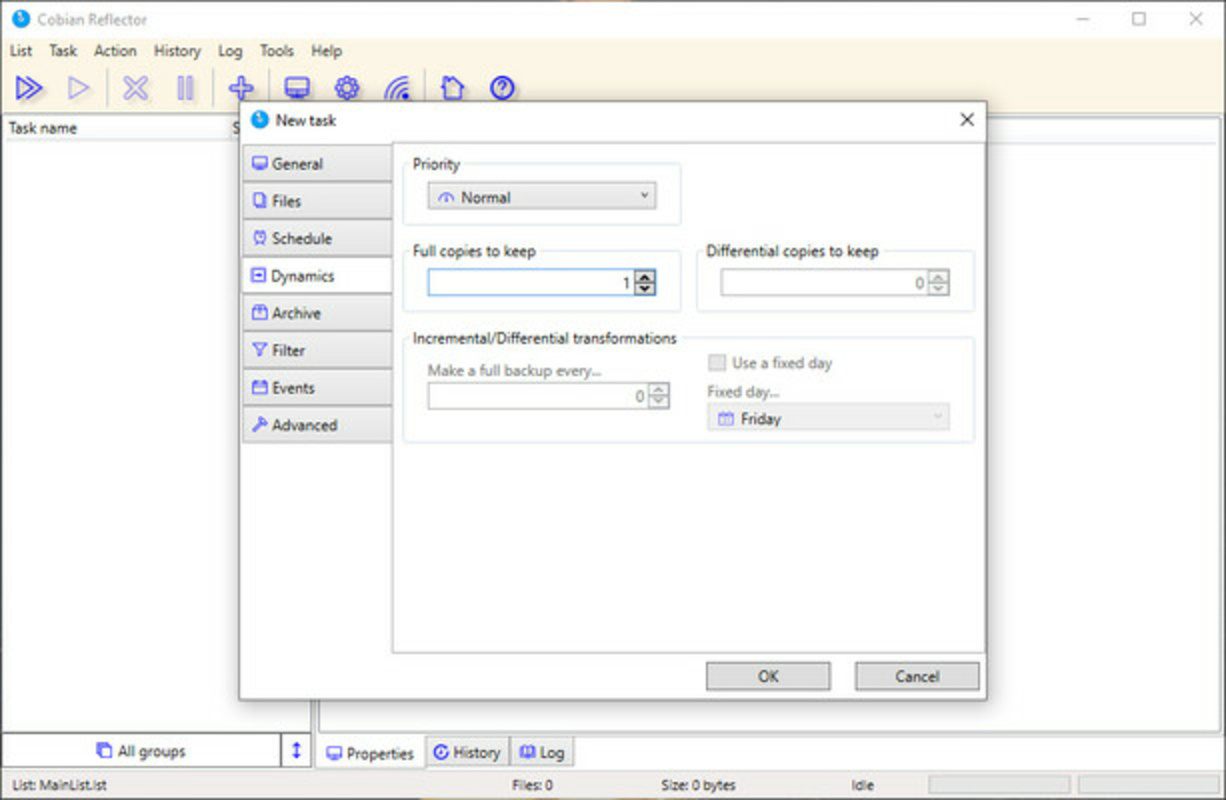
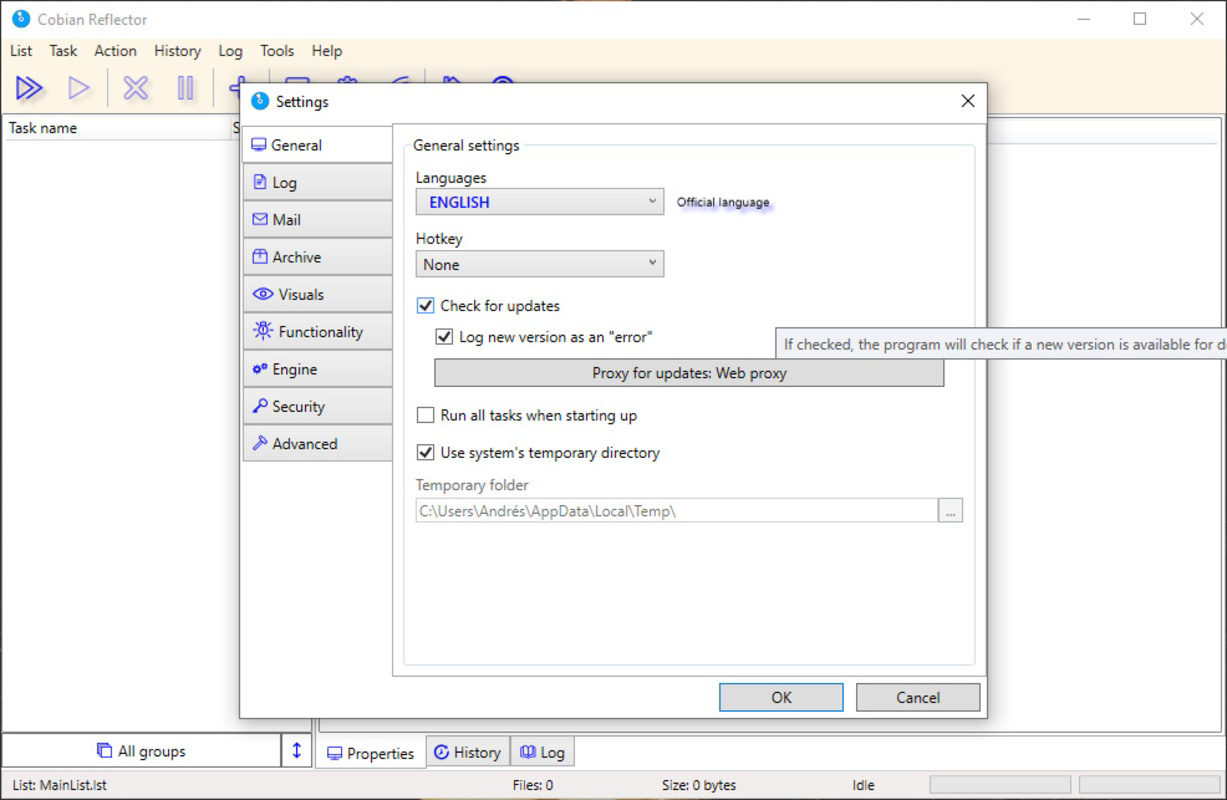
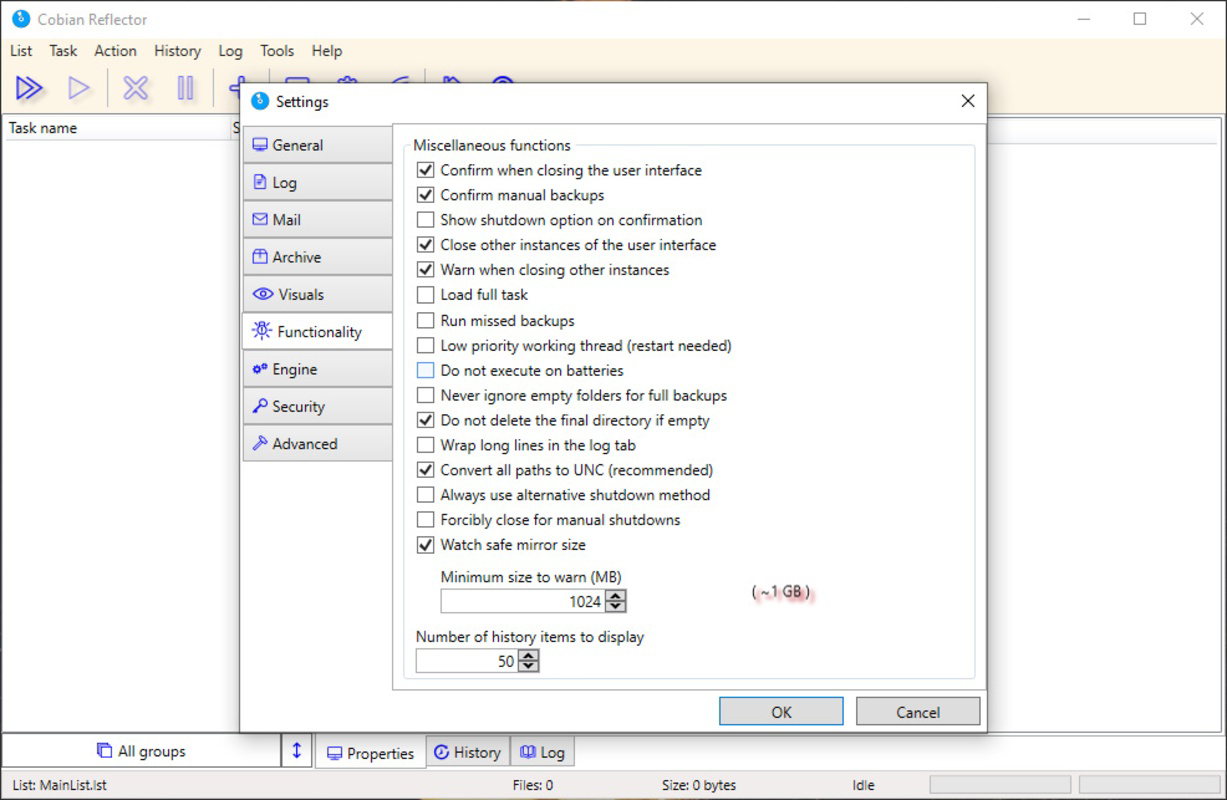
The user interface of Cobian Reflector is designed with functionality and clarity in mind, featuring a clean layout that organizes backup tasks, destinations, and tools in a logical hierarchy. Navigation is straightforward, with clearly labeled tabs and intuitive menu structures that allow users to configure backup jobs without extensive technical knowledge.
Visual style remains minimal and functional, prioritizing readability and ease of access over decorative elements. The app’s responsiveness is consistent across various Windows device categories, though specific performance metrics were not provided. Although the developer did not list formal performance metrics, users can expect stable operation during backup cycles, with minimal impact on system resources during execution.
Stability appears to be a core design principle, as the app maintains its state across sessions and handles interruptions gracefully. The inclusion of timestamped backups further supports reliability, enabling users to verify successful completion and restore from known points. Overall, the UX emphasizes efficiency and control, aligning with the needs of both novice and experienced users.
Platform Compatibility & Technical Requirements
Cobian Reflector is designed exclusively for the Windows platform, supporting the latest versions of the operating system as of its release date. The software is compatible with Windows systems that meet standard desktop or laptop requirements, though specific minimum OS versions were not listed by the developer.
The app has a compact file size of 5.2 MB, making it lightweight and quick to install. This small footprint ensures minimal storage impact, which is particularly beneficial for users with limited disk space or older machines. The version number is 2.0.1, indicating a mature release with incremental improvements over prior versions.
Although the developer did not specify minimum OS requirements, the app’s lightweight nature suggests broad compatibility with modern Windows environments. Users are advised to verify system compatibility before installation, especially in enterprise or legacy environments.
Pros and Cons
Pros
- Free to download and use with no restrictions
- Supports multiple backup destinations including external drives and remote servers via FTP/SFTP
- Fast and efficient backup performance, even on older hardware
- Includes useful built-in tools such as a notepad and file shredder
- Simple, intuitive interface suitable for non-technical users
Cons
- Platform is limited to Windows; no support for macOS or Linux
- Developer did not provide detailed system requirements or compatibility notes
- No cloud integration beyond FTP/SFTP, limiting direct cloud service support
- Interface lacks modern visual polish, appearing dated compared to newer apps
- Updates may not be frequent, with limited public information on development roadmap
FAQ
Is Cobian Reflector safe to download and install?
Yes, the app is free and available from the official developer site. As with any software, it is recommended to download only from trusted sources to ensure authenticity and avoid malware.
Can I use Cobian Reflector on older Windows systems?
While specific system requirements were not listed, the app’s small file size and efficient design suggest compatibility with older Windows versions. Users are advised to test installation on their system for optimal results.
Does Cobian Reflector support automatic backups?
Yes, users can schedule automatic backups at specified intervals, ensuring regular data protection without manual intervention.
Is my data secure when backed up via FTP or SFTP?
Yes, SFTP provides encrypted data transfer, ensuring secure communication. FTP is less secure and should be used cautiously, especially with sensitive information.
How often should I update Cobian Reflector?
It is recommended to check for updates periodically, especially if new features or security patches are released. However, update frequency is not publicly documented.
Final Thoughts
Cobian Reflector stands out as a dependable, no-cost solution for users seeking a flexible and efficient file backup utility on Windows. Its ability to back up data to multiple locations—both locally and remotely—combined with fast performance and built-in tools, makes it a strong contender in the productivity software space. While its interface may appear outdated and its platform remains limited to Windows, the app delivers significant value for individuals and small teams who prioritize data safety without financial overhead.
For anyone managing important files on a Windows PC, Cobian Reflector offers a practical, secure, and user-friendly way to ensure data continuity. Whether backing up personal photos, work documents, or critical system files, this tool provides peace of mind through automation and reliability.
Download Cobian Reflector now
Guides & Tutorials for Cobian Reflector
How to install Cobian Reflector
- Click the Preview / Download button above.
- Once redirected, accept the terms and click Install.
- Wait for the Cobian Reflector download to finish on your device.
How to use Cobian Reflector
This software is primarily used for its core features described above. Open the app after installation to explore its capabilities.
User Reviews for Cobian Reflector 0
No reviews found


